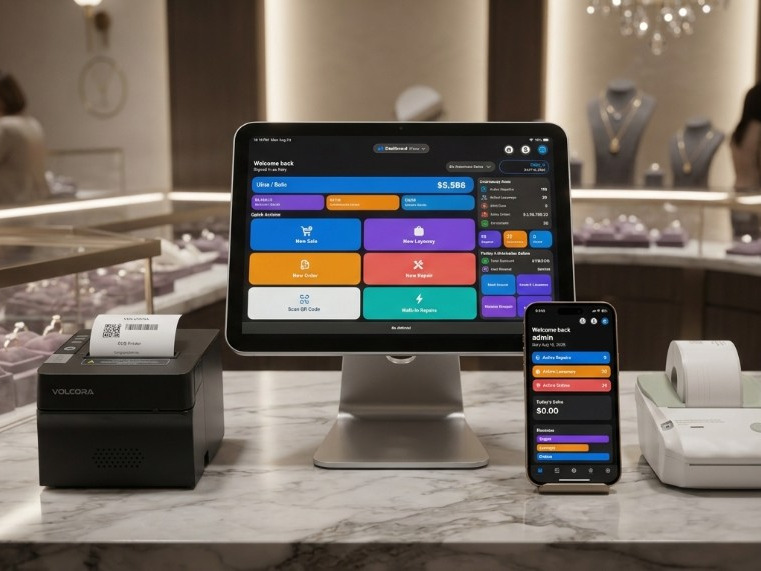
iPad
Counter device. iPhone works on the same Apple ID. Basic 3 devices, Premium 6.
Hardware
Jewelers Flow runs on iPhone and iPad. Printers are set up in Settings → Printers Hub. We do not sell this hardware — buy from the maker or a retailer, then connect in the app. You do not need a vendor printer app.
Start here
The app works with just an iPhone or iPad. Add a tag printer, a receipt printer, and a cash drawer when you need them.
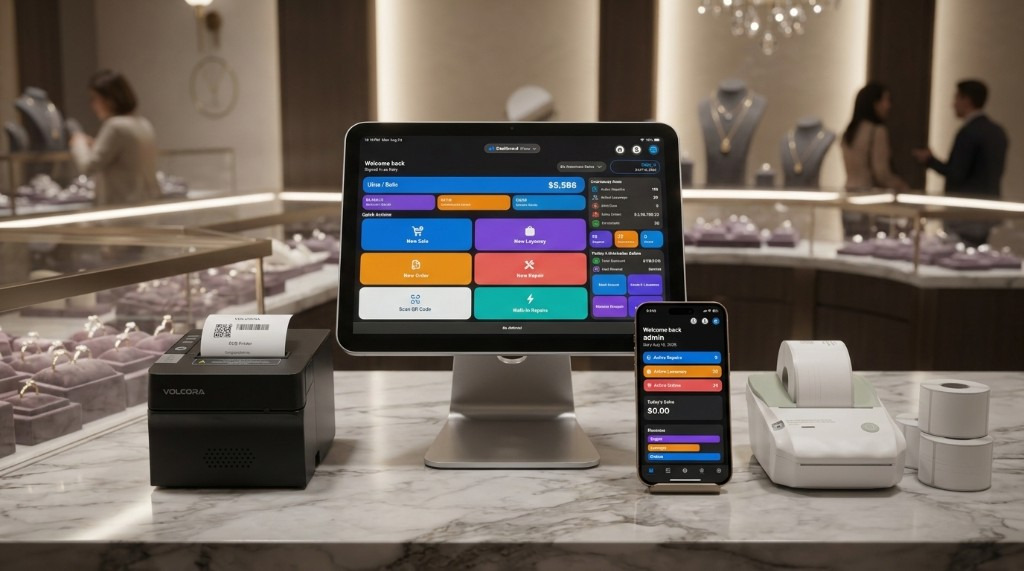
Counter device. iPhone works on the same Apple ID. Basic 3 devices, Premium 6.
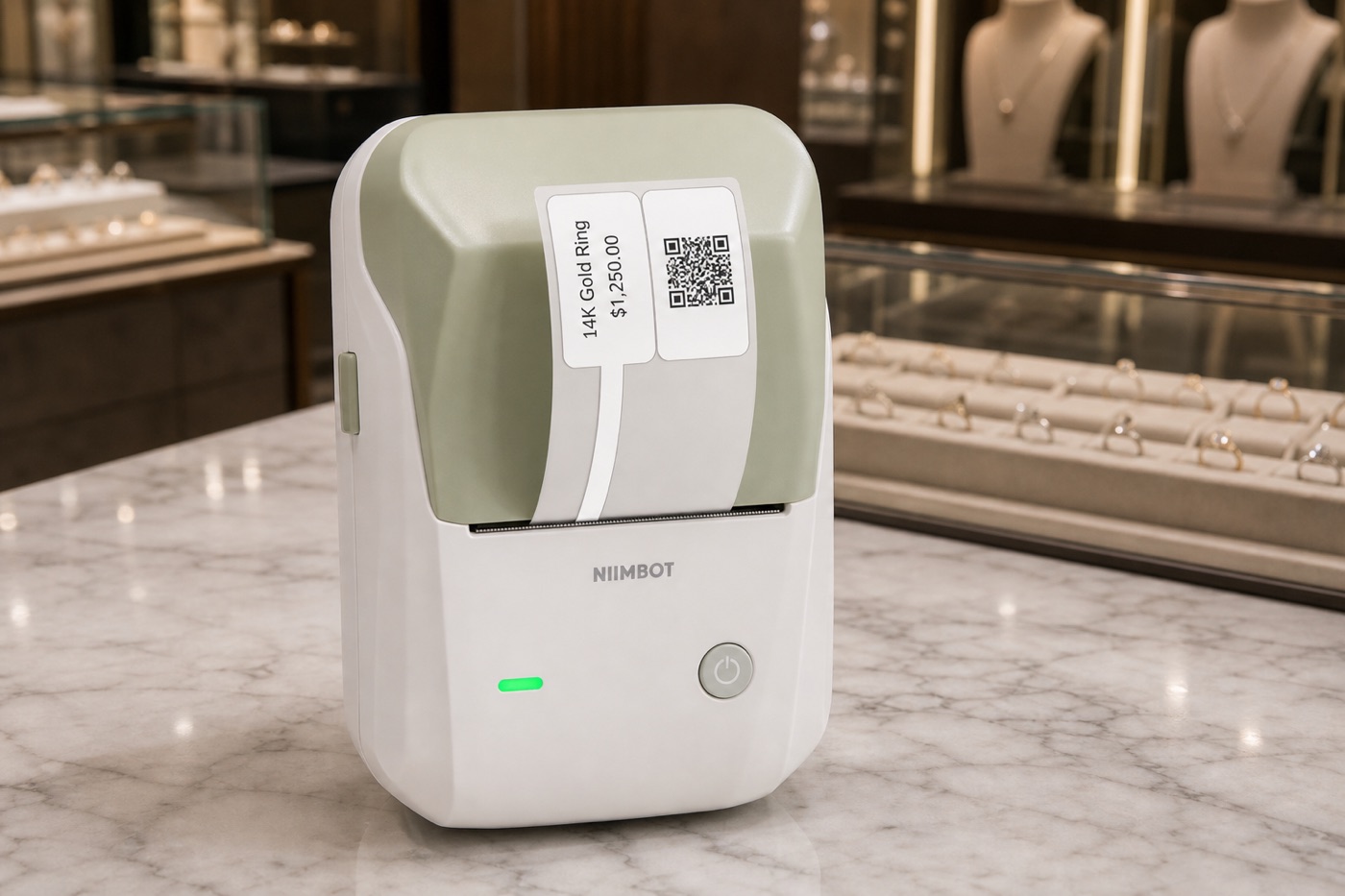
Jewelry hang tags over Bluetooth. Not for receipts.
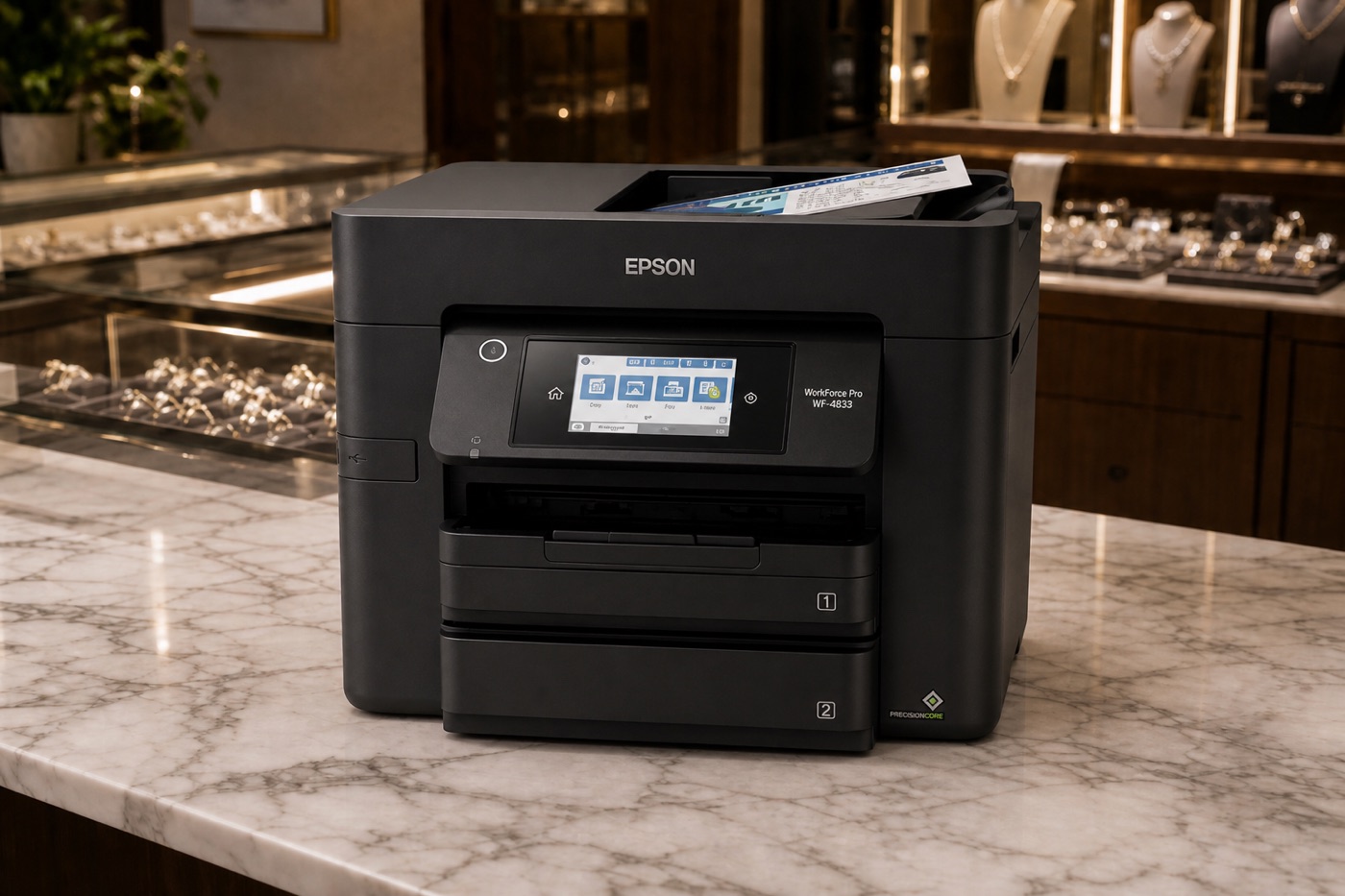
Preferred AirPrint printer. Repair receipts with photos, plus workshop cards and envelope inserts.
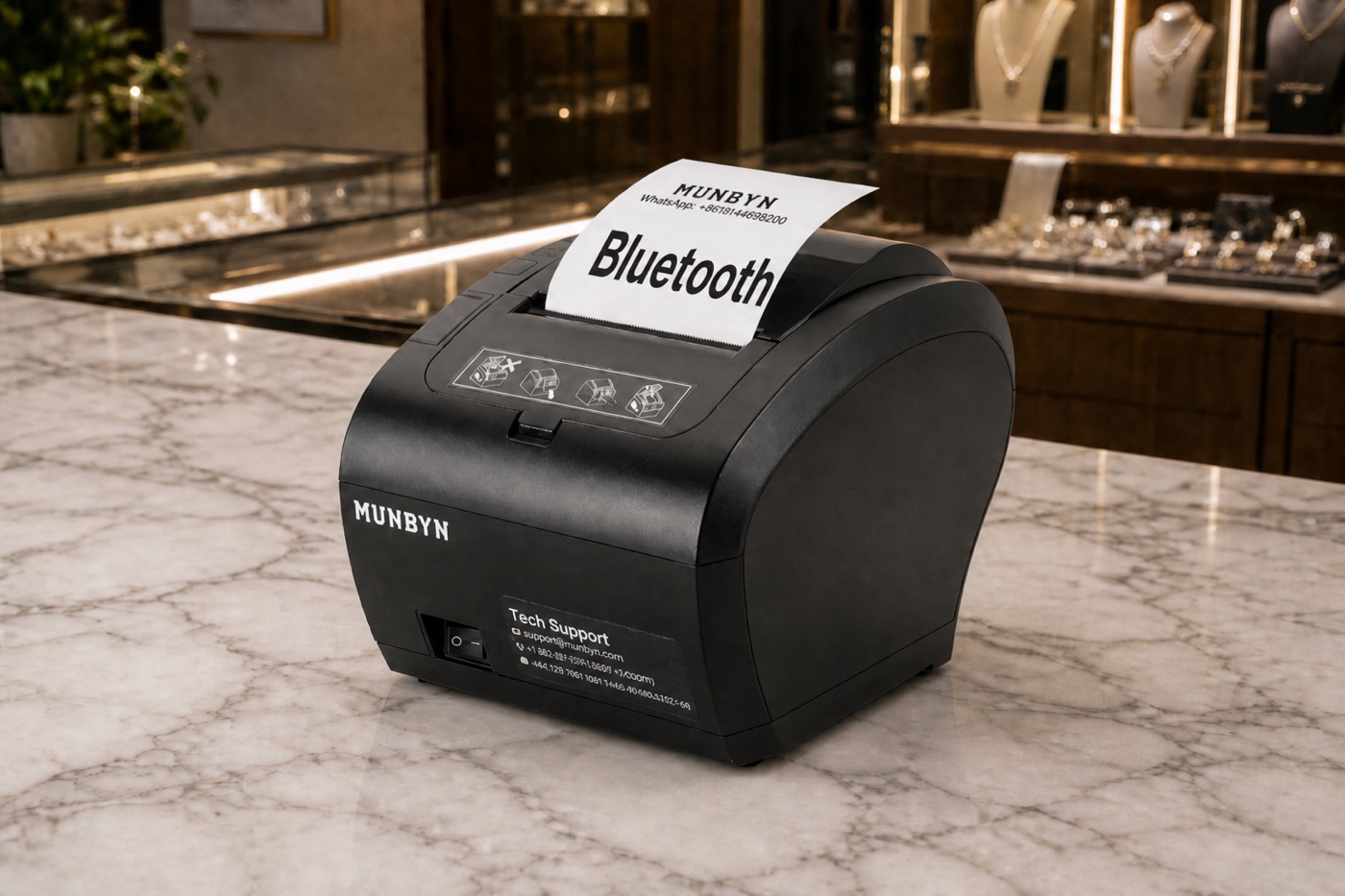
Bluetooth receipts. Buy the Bluetooth model. DK port for a cash drawer.
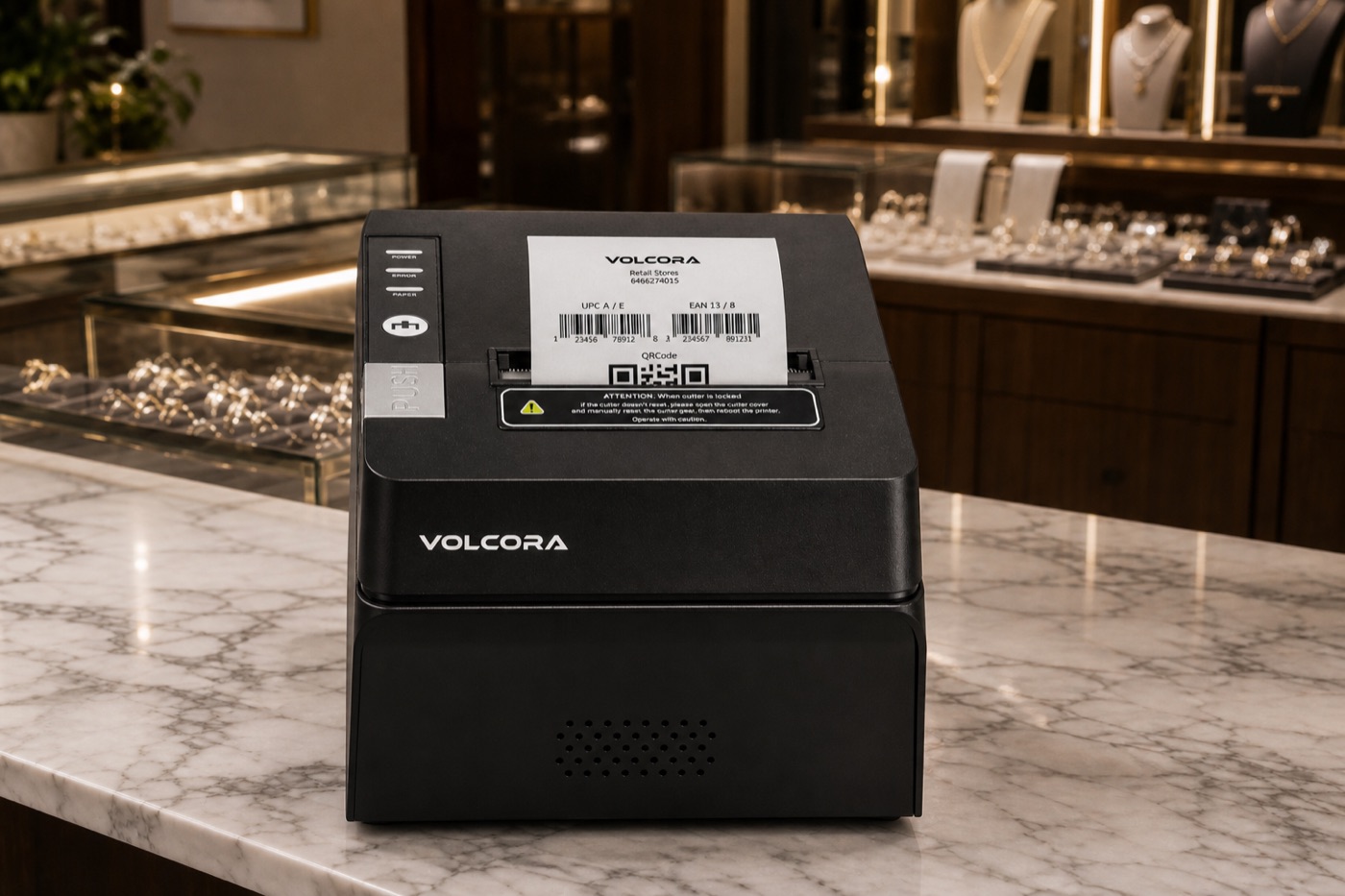
Bluetooth receipts. Buy USB + Bluetooth, not Ethernet-only. DK port for a cash drawer.
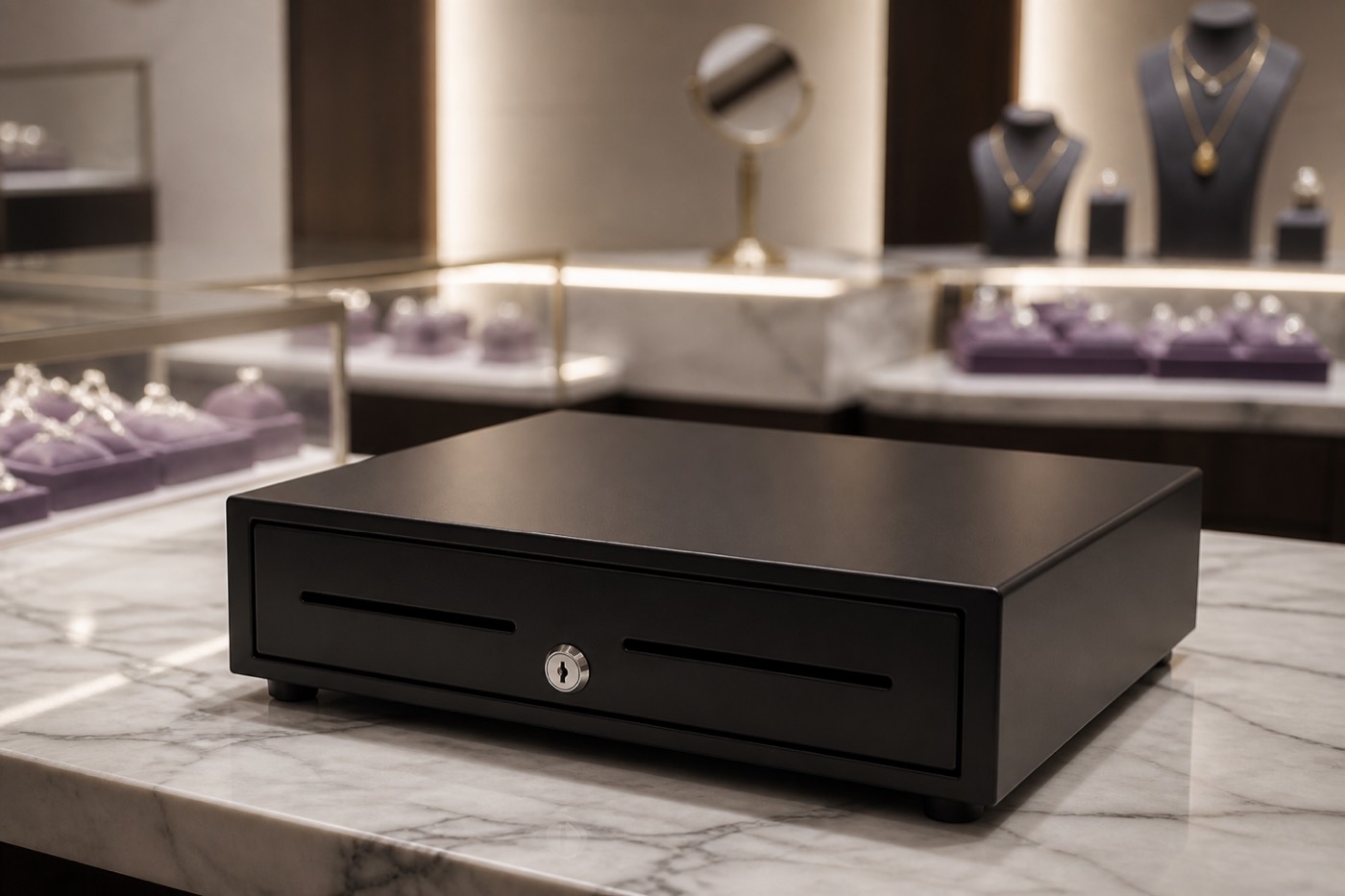
DK / RJ11 cable into the MUNBYN or VOLCORA. Only if you take cash.
Jewelers Flow is an App Store app for iPhone and iPad. For a standing register, use an iPad (a stand is optional). Every store device must use the same Apple ID / iCloud account.
Bluetooth label printers. Set up in Settings → Printers Hub → NIIMBOT B1 / M2 / M3. Print from an inventory item’s jewelry tag. The NIIMBOT phone app is not required for Jewelers Flow.
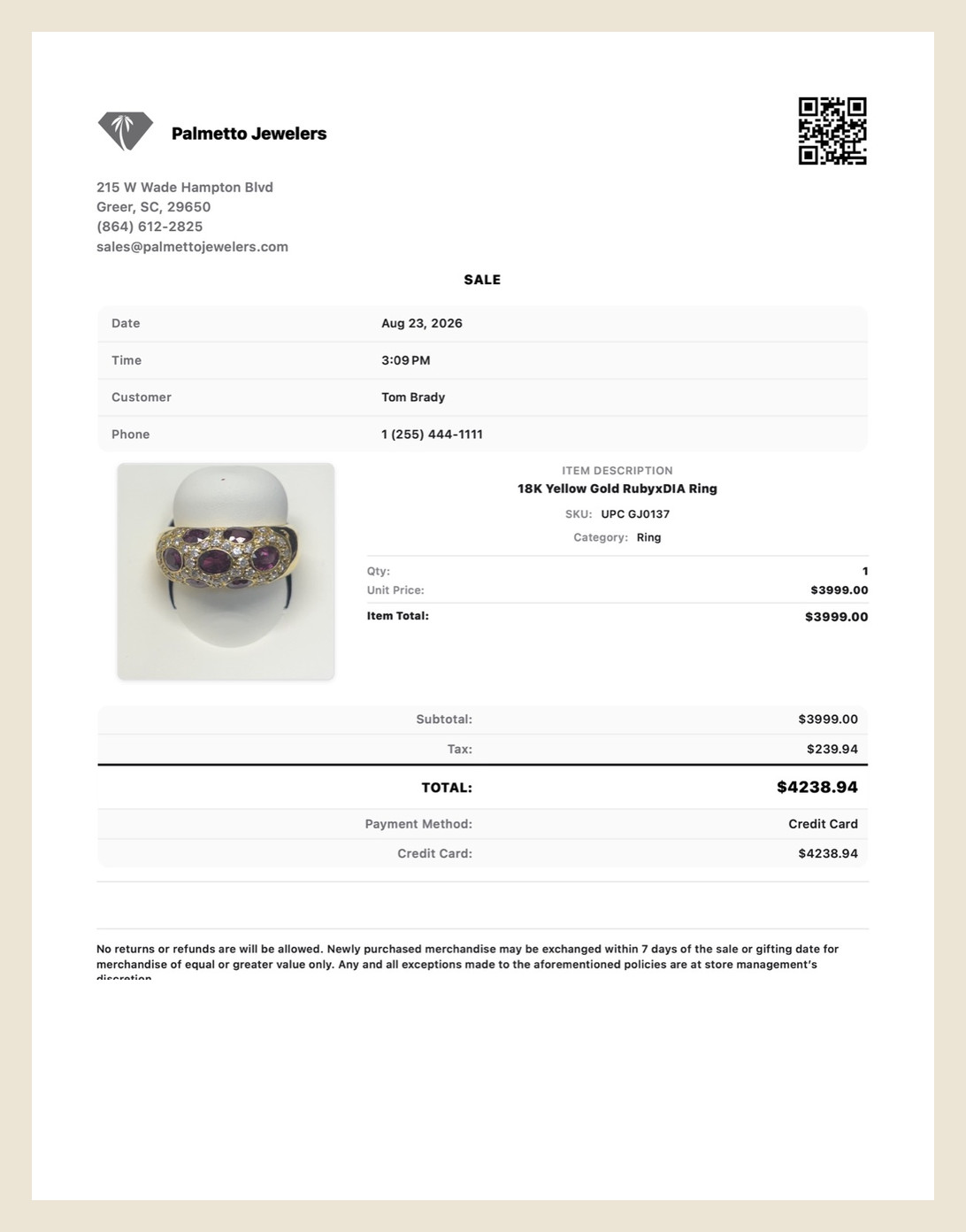
Our preferred AirPrint printer is the Epson WorkForce Pro WF-4833. Put it on the same Wi-Fi as the iPad. Use it for sale receipts, repair receipts that include the piece photo, workshop job cards, and layaway envelope inserts on 3.5×5 stock. Other AirPrint printers can work from the iOS print sheet; this is the model we recommend.
This is a WorkForce AirPrint inkjet — not an Epson TM Bluetooth receipt printer. TM printers are not set up in this release.
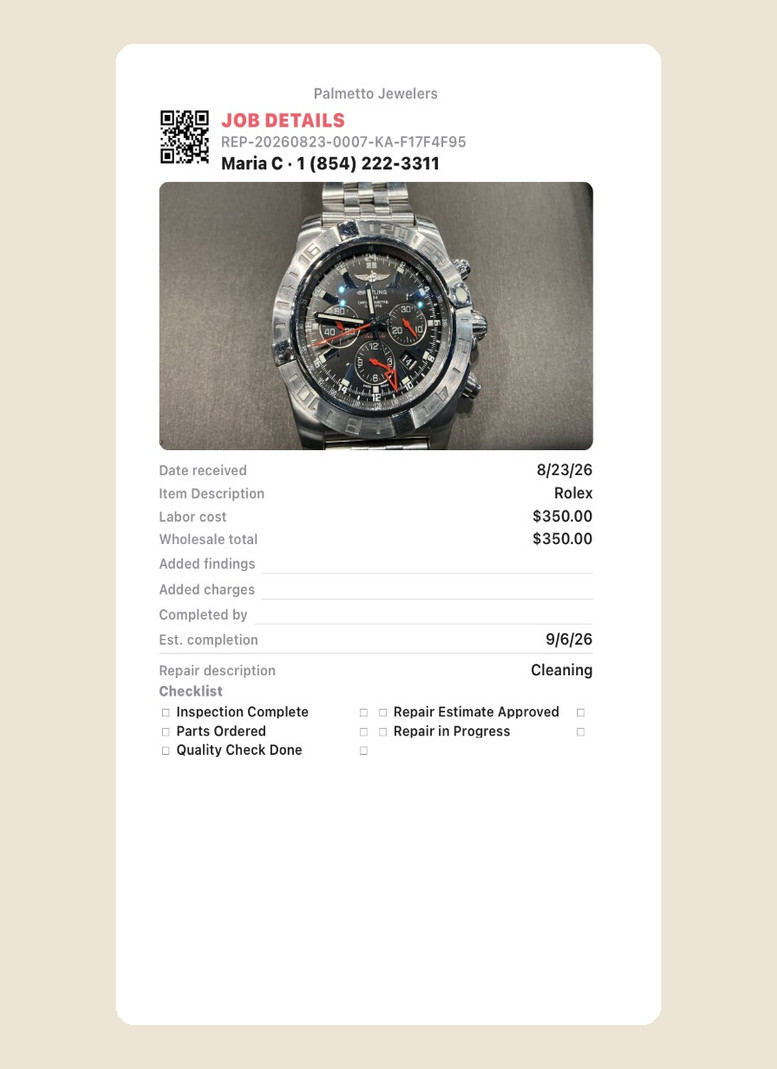
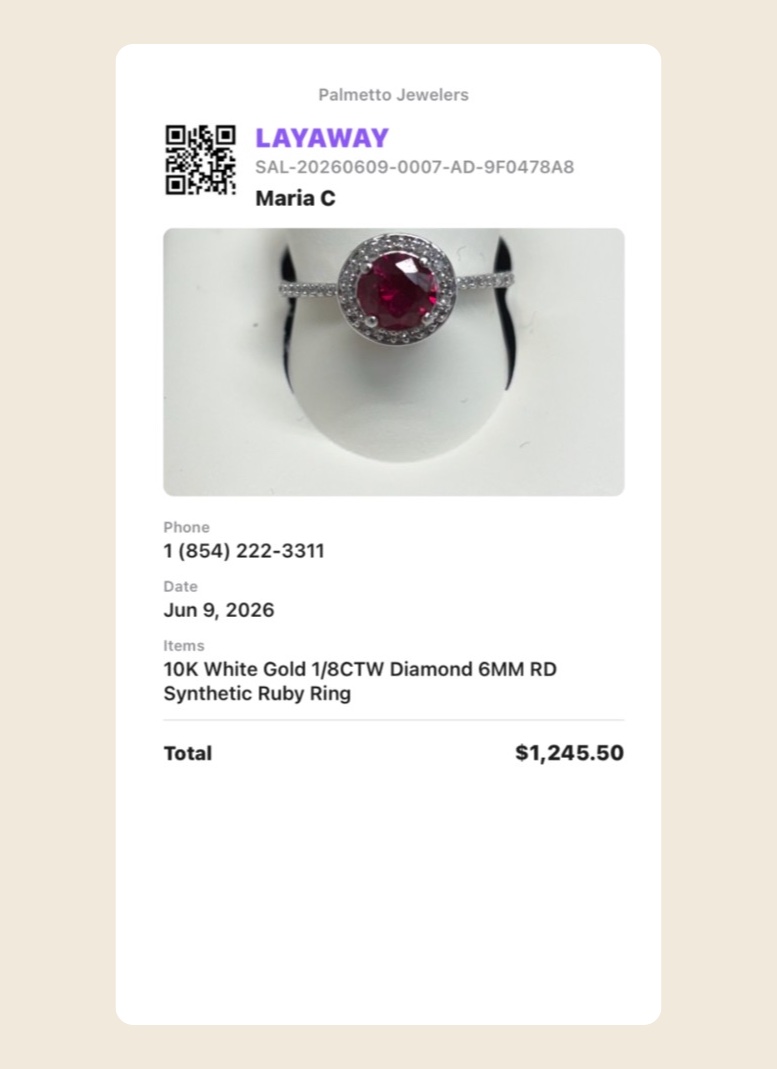
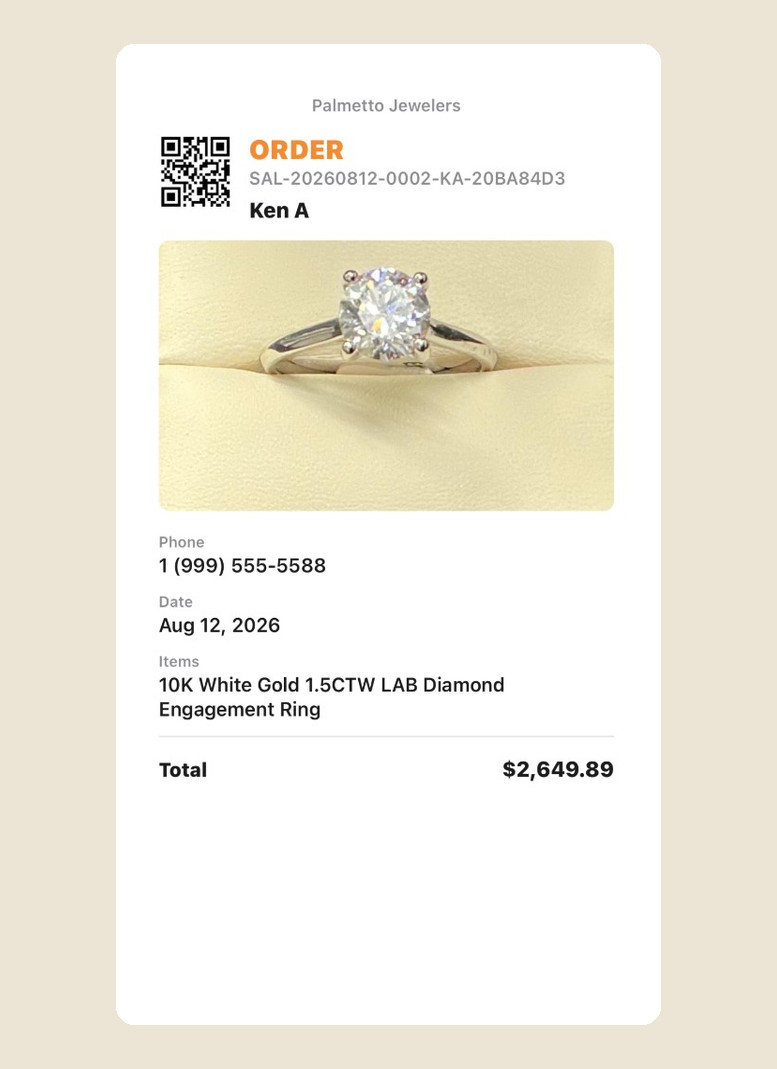
Repair job cards print with AirPrint on 3.5×5 stock — QR, piece photo, and lines for the bench. Layaway and order envelope inserts use the same 3.5×5 AirPrint card. We recommend the WorkForce Pro WF-4833 for that, including repair receipts with photos — not the NIIMBOT.
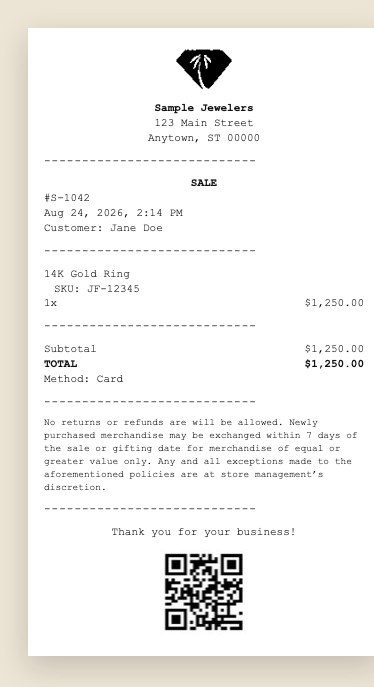
Thermal receipts from Printers Hub. The printer may appear as TM-M30III. If iOS asks for a Bluetooth code, enter 0000. Turn on the receipt types you want (sales, repairs, repair pickup). No driver and no MUNBYN app.
Same idea as MUNBYN: Bluetooth thermal receipts in Printers Hub. Buy the USB and Bluetooth 50020X, not Ethernet-only. 80 mm thermal paper. Cash drawer: plug the drawer’s DK / RJ11 cable into the VOLCORA. Open from Register with a manager PIN, or when cash is taken or refunded.
Any cash drawer with a DK / RJ11 cable that fits the MUNBYN or VOLCORA. You do not need a network cash drawer. The register session (opening cash, Expected Cash, close) is in the app even without a physical drawer.
Setup help is in Settings → Help and on the Support page. Questions: support@jewelersflow.com.